Slow-motion process — hands drawing texture on an iPad

Learn the workflow behind the patterns.

A three-part Skillshare series on seamless pattern design in Affinity Designer. Hand-drawn texture, grid automations, and the kind of technical fluency that only comes from doing it properly.

Hanne in her studio
The designer behind the series

I'm Hanne, a graphic designer since 2003, with a deep devotion to craft. Since 2023, seamless pattern design has had my whole attention, and in that time I developed a complete, systemized workflow I haven't seen taught quite this way anywhere else.

My classes teach the exact system I use in my own studio: a workflow that lets me design seamless patterns intuitively, with a live overview of the repeat as I work, and with raster and vector working together in the most optimized way possible.

I'm sharing it on Skillshare for the designer who wants to understand their tools from the inside out, and build something that lasts.
Grid being built in Affinity Designer
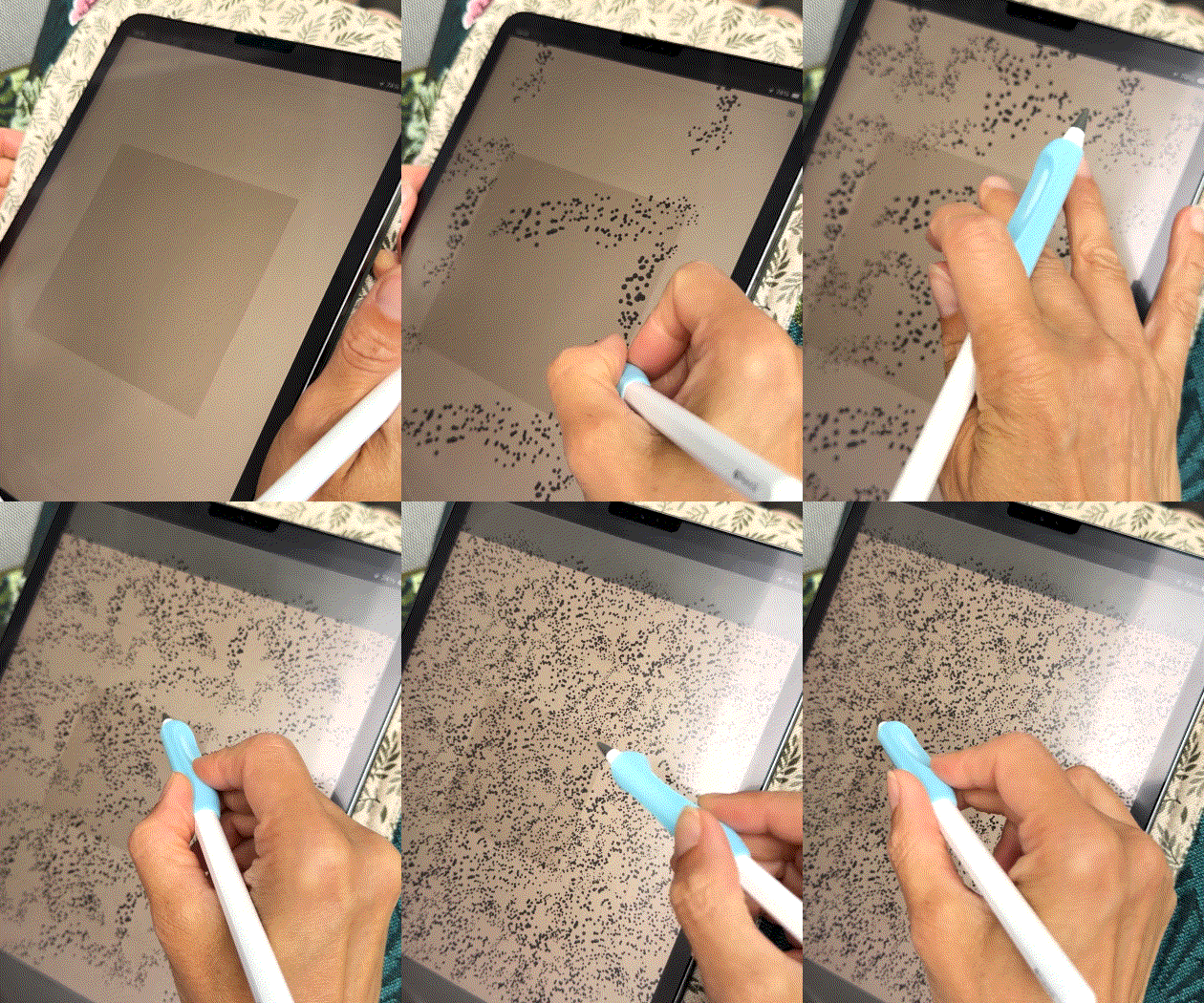
Texture being drawn by hand
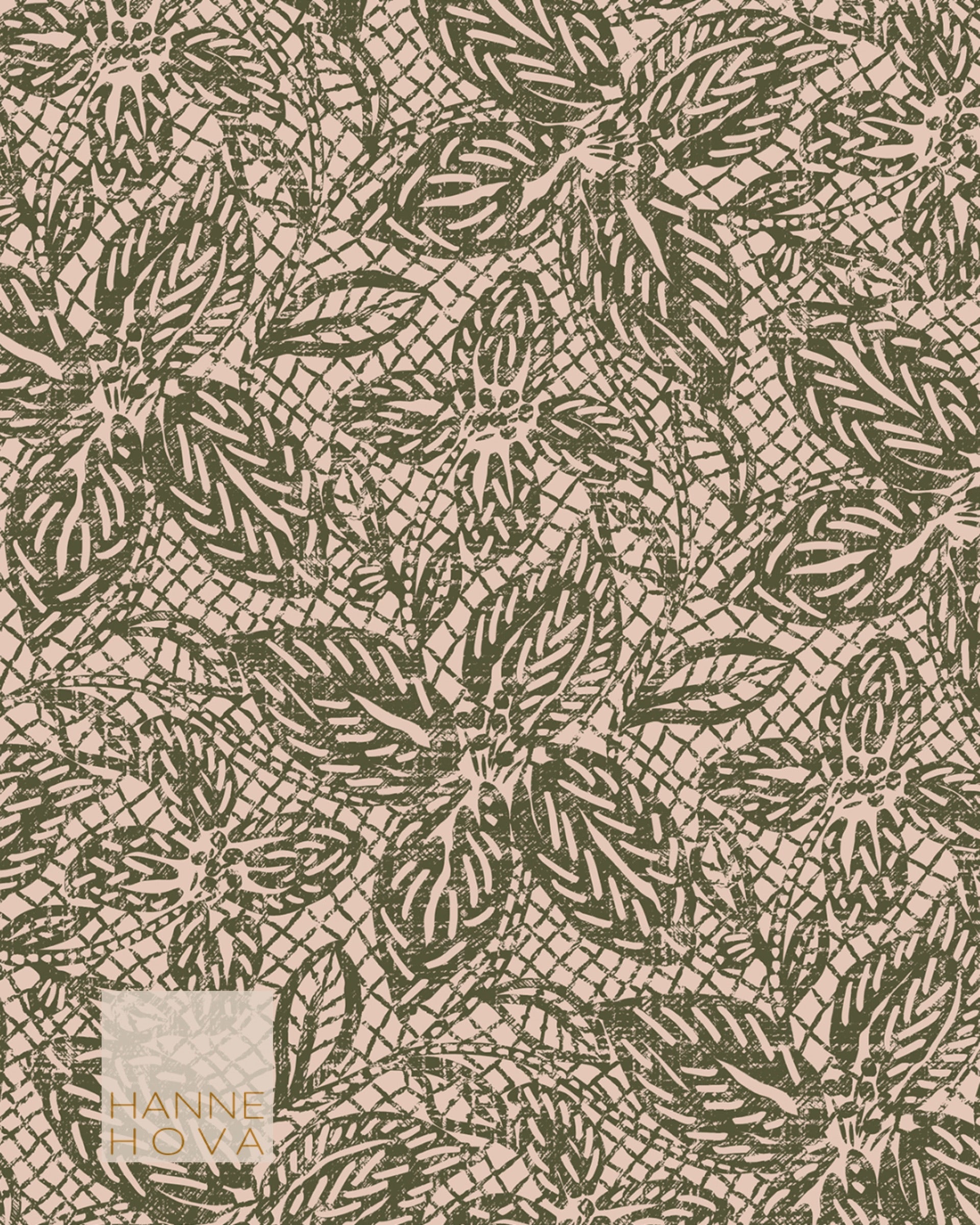
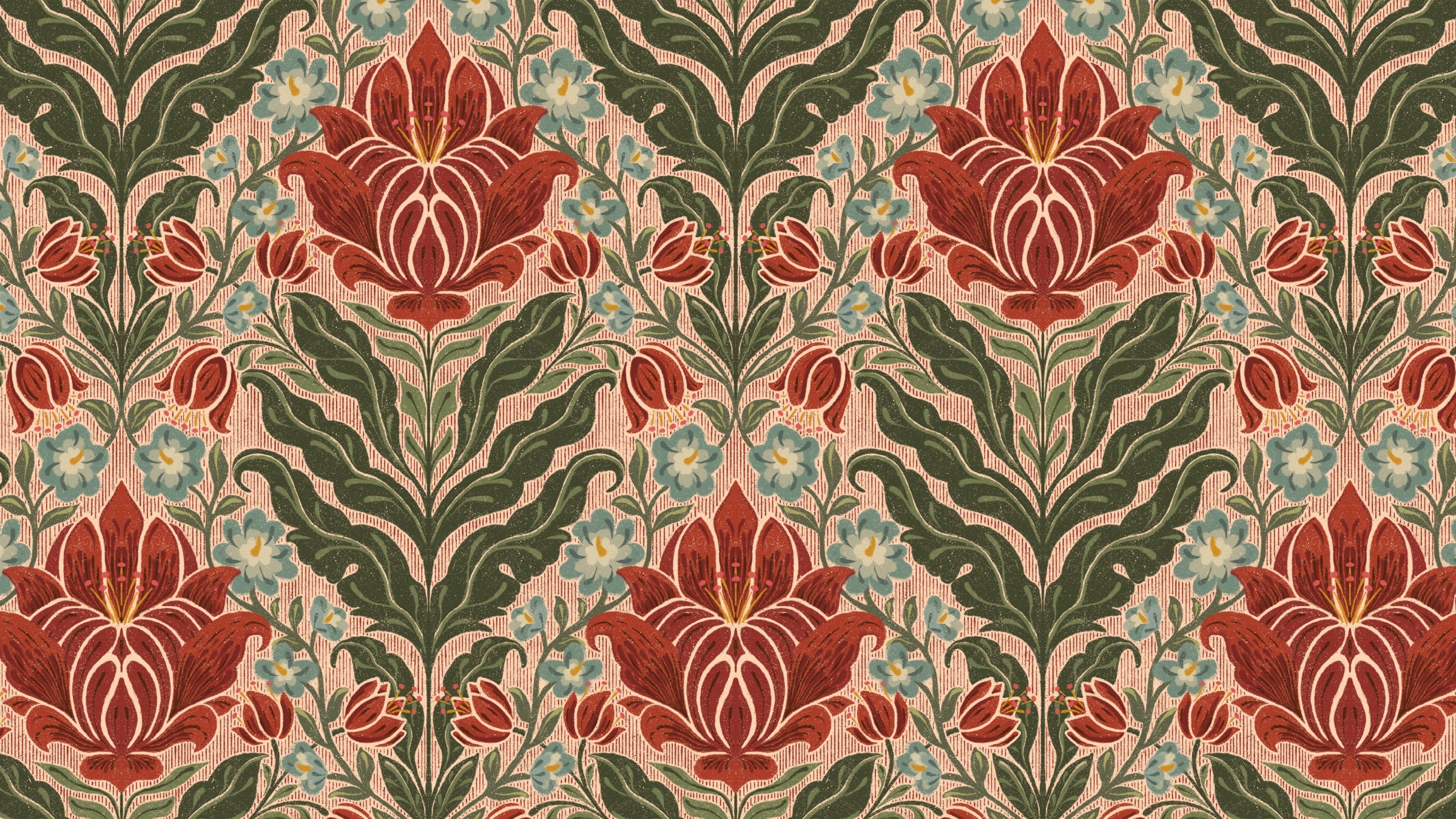
Examples of pattern designs by Hanne Hova

Master Seamless Raster Textures in Affinity

Three classes. One complete workflow. Built to be taken in sequence.
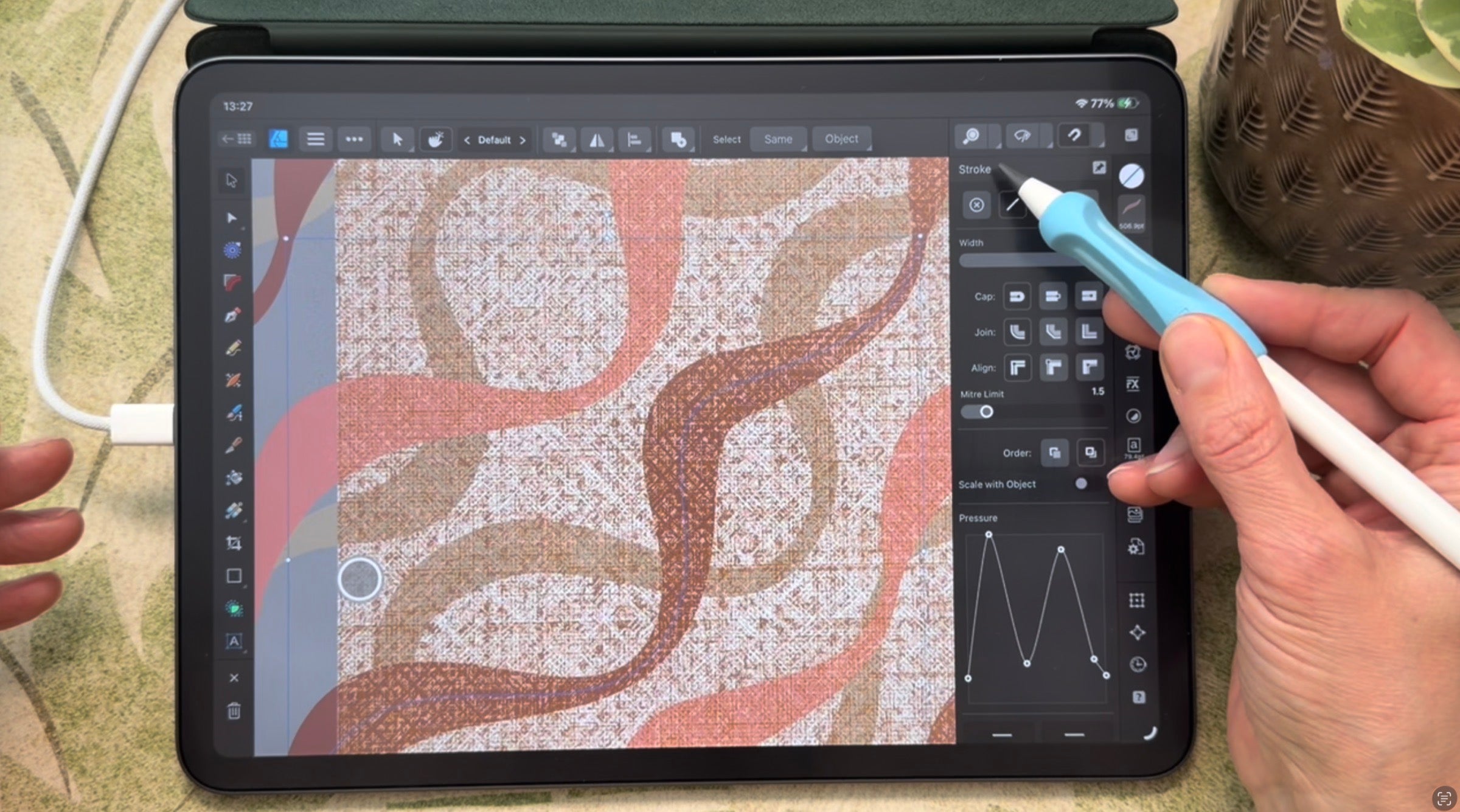
Class 01 — square grid automation with raster texture in Affinity Designer
Class 01
Live now

Seamless Raster Texture Design in Affinity for iPad

Build the automation once. Draw real raster texture into it. Master the workflow that makes every pattern that follows faster and better.
Class 02 — scaling and layering
Class 02 — Coming soon
Class 02
Coming soon

Coming soon

Scaling, layering, and cross-app workflows for seamless textures. The next layer of the system.

Class 03 — raster and vector together
Class 03 — Coming soon
Class 03
Coming soon

Coming soon

The class that brings the full series together. Raster and Vector in full symbiose to create stunning textural designs.

Included in class
My curated 2026
color palette
26 named tones: half from Pantone and the major paint houses, half my own. Import it, follow along in class, and see why I chose each color.
Cloud Dancer
Pantone
Pastel Peach
Hanne Hova
Mocha Mousse
Pantone
Warm Taupe
Pantone
Coral Haze
Pantone
Silhouette
Benjamin Moore
Creamy Butter
Hanne Hova
Cream and Sugar
Sherwin Williams
Terracotta Peach
Hanne Hova
Sienna Clay
Hanne Hova
Bright Peachy Pink
Hanne Hova
Dusk Teal
Hanne Hova
Cream Tan
Pantone
Mustard Gold
Hanne Hova
Universal Khaki
Sherwin Williams
Southwest Pottery
Benjamin Moore
Driftwood Grey
Hanne Hova
Pink Lemonade
Pantone
First Crush
Benjamin Moore
Amber Light
Pantone
Shifting Sand
Pantone
Sunlit Peach
Hanne Hova
Arona
Pantone
Peach Dust
Pantone
Mango Mojito
Pantone

Class 04, Automated Recoloring for Affinity files on desktop. A workflow I've been building in my own studio. Coming when it's ready.

And a small peek at what’s next: I’ve been developing a recoloring workflow in Affinity for desktop in my own studio that makes what used to be one of the slowest steps almost effortless. It builds directly on the foundations from Class 01 and 02, and it gets its own class soon.

Ready to start?

Three ways in, depending on where you are.

A pattern being built in Class 01
Already on Skillshare?

Go straight to Class 01 and start building.

Hanne in her studio
New to Skillshare?

Your first month is free. No strings, cancel any time.

Pattern artwork from the studio
Not ready yet?

Join the studio list. You'll get first access to new classes and occasional notes from the process.

The Studio List

First access to new classes and occasional notes from the process. No noise.

Unsubscribe any time.

You’re on the list. Good things are coming.