Run your Spoonflower shop like a studio: one workflow, from colorway to pin.
I built these tools for my own studio, to keep my Spoonflower shop growing while I make Skillshare classes. They follow the listing workflow I teach, so the tools and the classes fit together. Now I'm sharing them with you.
Founding members first. The tools open in stages, and the first designers in join at a founding-member price.
Two tools. One complete workflow.
Each dashboard holds one half of the journey: your listings on Spoonflower, your visibility on Pinterest. Each works on its own. Together they carry a design from upload to being seen. Start with the half that takes you longest.
Runs in your own browser. Your files stay on your computer.
You direct. The dashboard keeps track. The autofill does the typing.
This is the workflow I use for every pattern I design and sell, and the one I teach on Skillshare. You design, you direct, you review, you make the decisions. The dashboard remembers where every design stands, and the autofill handles the typing.
-
Build your listing fileYour listing file holds everything for a batch: Spoonflower titles, descriptions, tags and colorways, and the pin titles, descriptions and links for Pinterest. I build mine with AI, and the workflow is coming to Skillshare, so you can follow along and get the most out of the tools. The file guide shows you the format.
-
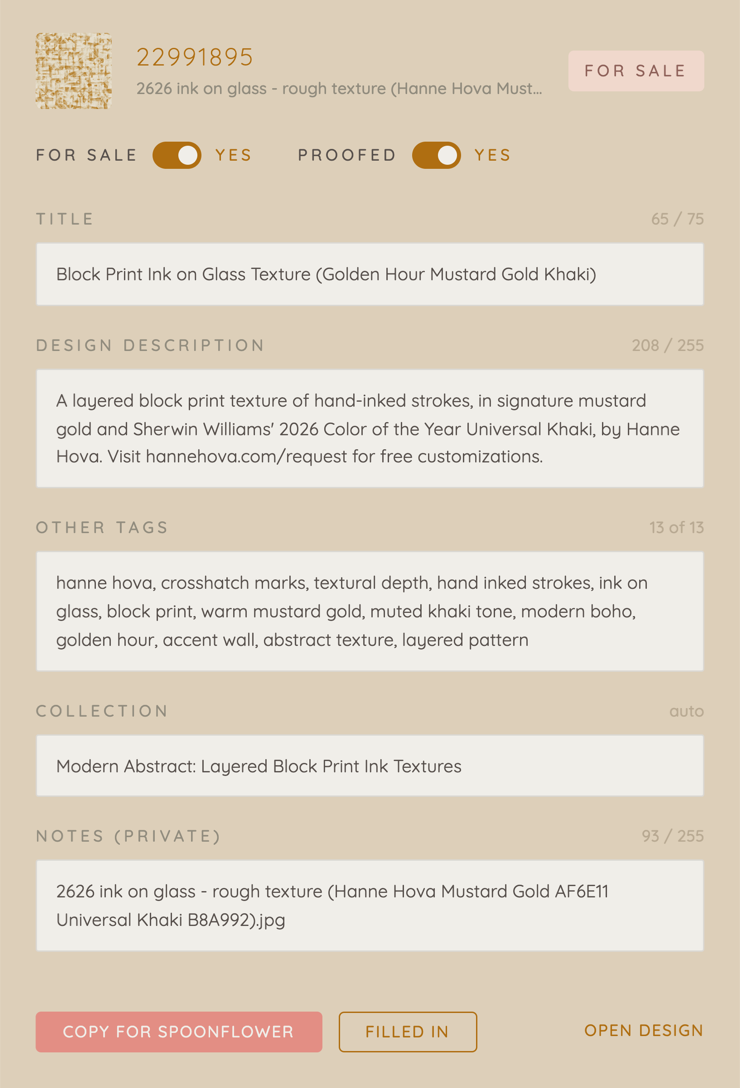
Load a batch into the dashboardOne design in all its colorways, or a small collection at a time. Every listing and every pin with its state, so you see at a glance what is drafted, uploaded, proofed, for sale and pinned, and what is next.
-
Autofill, review, publishThe tools fill in the fields. You check, adjust and decide.
Setup guide and listing file guide included, in video and text.
Join the waitlist
The tools open in stages. Founding members get first access, a founding-member price, and first word when the classes that teach the workflow open.